
Developing AI-powered Chatbot for Snowflake Data Warehouses: Unique Ideas & Workarounds
Explore innovative approaches and tools for creating an AI chatbot that seamlessly interacts with Snowflake data warehouses. Discover various methods, including a rapid, no-code solution using AskYourDatabase, to enhance data accessibility and analysis within your organization.
Developing AI-powered Chatbot for Snowflake Data Warehouses: Unique Ideas & Workarounds
Due to the ever growing push towards powerful data warehousing like Snowflake in today's data based business landscape, more and more organizations run into problems how to make their snowflake data warehouses accessible to non-technical users. A significant number of team members need to have insights from these large data reservoir but they do not possess SQL skills in order that they can fetch valuable information. Also, if you ever do advanced/custom queries for creating client level analytics dashboards, some complex or flexible queries can go beyond capabilities provided by your dashboard solutions. An AI Chatbot can solve this problem conceptually by providing a human-like interactive interface with your Snowflake data warehouse. This approach supports the broader initiative of democratizing data access within organizations, enabling all team members to leverage data insights regardless of their technical background.
This article will discuss some of the interesting methodologies to build AI Chatbot specifically for Snowflake data warehouses.
Strategies for Snowflake-Compatible Chatbot
-
Build a Chatbot from scratch leveraging Langchain and the Snowflake connector.
-
Use a SQL-AI abstraction tool—like Vanna AI, which is designed for training data scientist-savvy but ML novice users to be able to build custom AI solutions.
-
Deployment of Chatbot using AskYourDatabase — Least Configuration needed (Setup: 5 minutes)
The third option is especially attractive for those wishing to reach a fast solution without writing a lot of Python code. Notable Features of AskYourDATABASE
Zero-Code Implementation
AskYourDatabase – Turnkey Chatbot integration with your own platform, without requiring any coding skills. AskYourDatabase connects to your data warehouse easily, just configure AskYourDatabase to know your Snowflake configuration.
Dialog Flow Advanced
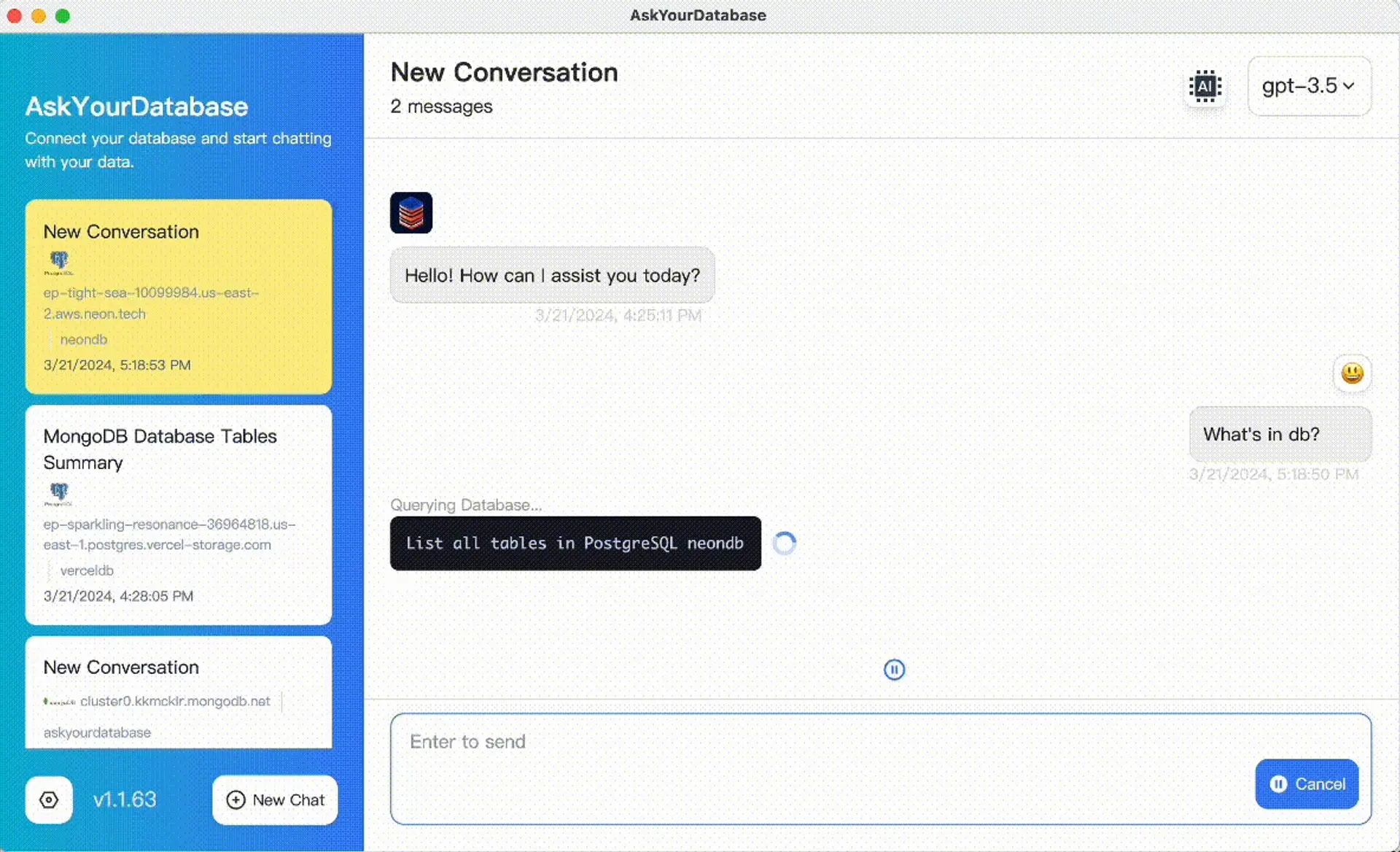
You asked us to do more than build simple SQL queries — so we did. It understands your Snowflake schema, runs queries, auto-corrects SQL errors and it performs advanced data analysis. As a result you get an end-to-end experience rather than just a code generating tool or tabular output tool like many other tools present in the market.
Accurate and flexible
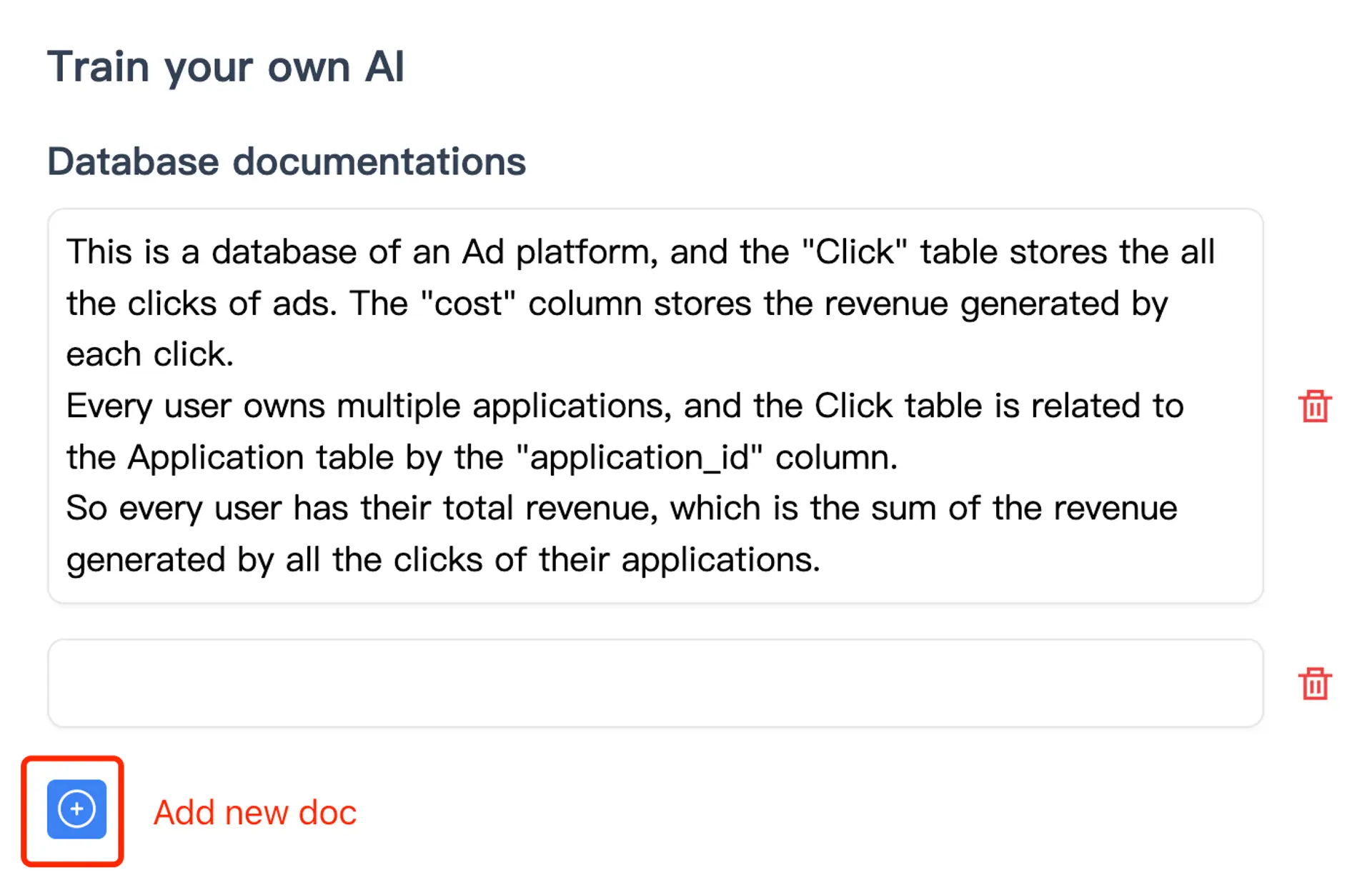
Even dealing with Snowflake warehouses that have hundreds of tables and all these funky naming conventions, AskYourDatabase still works just as well! It is capable of delivering very high accuracy levels for even the most challenging of scenarios, provided that comments and sample data are added to optimize performance.
Built-in Data Visualization & Analytics
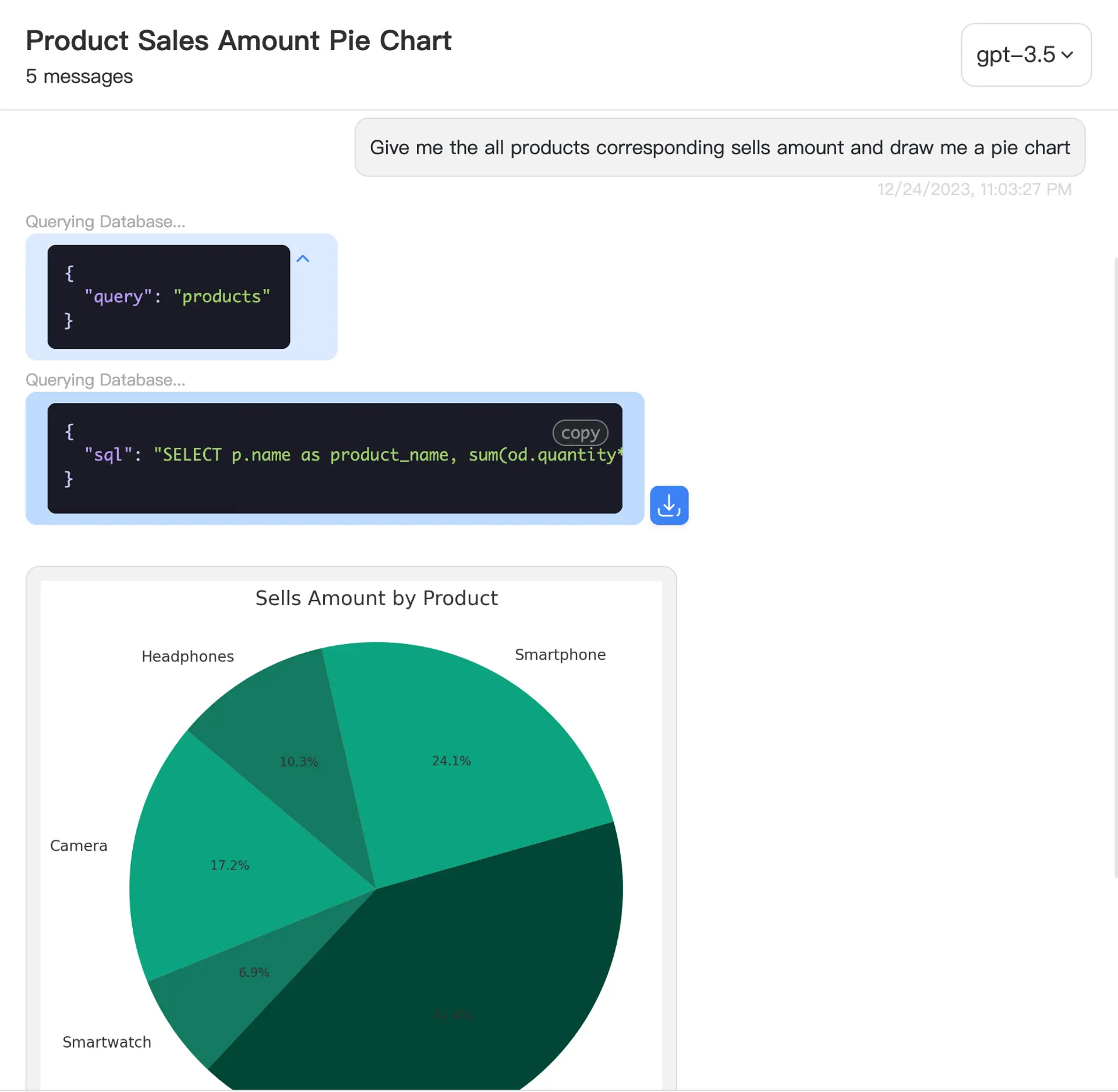
AskYourDatabase comes equipped with powerful capabilities for data visualization and mining. You can easily create rich visualizations and in-depth data analysis of your Snowflake data using a secure Python sandbox environment.
Getting Started with AskYourDatabase
It is meant to be simple (for internal usecases only) and designed to work with AskYourDatabase. To get you going, here's a quick walkthrough:
Acquire the Application
The application can be downloaded for free here: APP DOWNLOAD
Connect to Your Snowflake Data Warehouse
-
Start the AskYourDatabase Desktop App
-
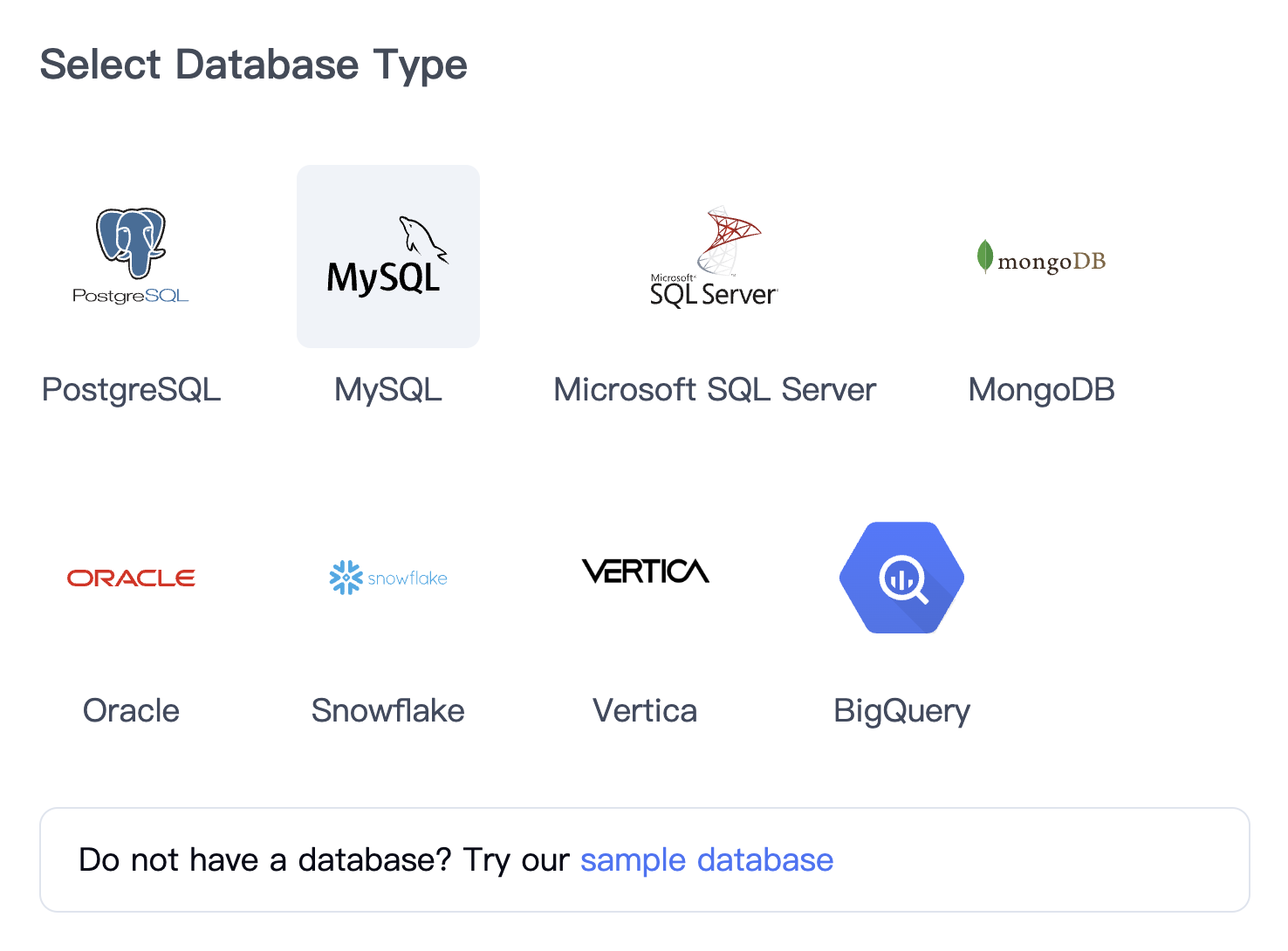
You will get a connection interface like this:
-
Enter Your Connection Details and Click Connect to Snowflake
-
After successfully connecting, you are all set to begin interacting with your Snowflake data using the chatbot interface.
Exploring Multi-Platform Solutions
While this guide focuses on Snowflake, similar AI chatbot solutions can be implemented for other database platforms. If you're working with different systems in your organization, explore our comprehensive guides for MySQL, PostgreSQL, Microsoft SQL Server, and BigQuery.
For a deeper understanding of the technology and methodologies behind AI-powered database querying, check out our detailed articles on natural language database querying and practical implementation strategies. You can also learn about the broader business impact in our guide to democratizing data access.