
PostgreSQL AI Chatbot: Setup and Query Validation
Connect an AI chatbot to PostgreSQL, define access and data flow, and test natural language answers with a reproducible time-zone and missing-day SQL example.
A PostgreSQL AI chatbot turns a question into SQL, queries the PostgreSQL objects its database role can access, and explains the result. To make it useful, connect with limited permissions, teach it your business definitions, and test the generated SQL against answers you already know. A successful connection alone does not establish answer accuracy or safe access for other users.
This guide covers a connected analytics workflow and a reproducible PostgreSQL example for daily sales across a daylight-saving boundary. It is written by AskYourDatabase, the product described below. The SQL example uses synthetic data and is independently executable; it is not a customer result or an AI accuracy benchmark.
Choose the PostgreSQL workflow you actually need
| Your task | Starting point | What you still need to validate |
|---|---|---|
| Ask follow-up questions and chart existing tables without building an application | A connected assistant such as AskYourDatabase Desktop | Database permissions, business definitions, external AI processing and answer correctness |
| Draft a query to review and run yourself | A PostgreSQL query generator or AI assistance in a SQL client | SQL dialect, schema context and execution privileges |
| Choose a client for analysis, SQL editing or administration | A PostgreSQL GUI | Match the tool to the task; verify the active database, role and schema |
| Let customers ask questions inside your product | An embedded database chatbot | Authentication, tenant isolation, server-side session creation and operational limits |
| Search unstructured documents stored alongside database records | A retrieval application, potentially using vector search | Document access, retrieval quality and how retrieved evidence connects to relational answers |
These are overlapping capabilities, not exclusive product categories. For example, current pgAdmin AI documentation describes an assistant that can run queries and may send row data to its configured AI provider. Do not assume that every SQL client only generates text, or that a local client necessarily means local inference. If you are choosing an architecture, the database assistant alternatives guide compares ownership and deployment responsibilities.
Connect PostgreSQL to AskYourDatabase
1. Prepare the database role and connection
Start with a test database, an approved reporting replica, or a limited reporting schema. Have your database administrator create a dedicated role with access only to the objects needed for the evaluation. Avoid using the database owner or a superuser as the chatbot connection.
Prepare the host, port, database name, role, password and required TLS settings. The documented PostgreSQL URI shape is:
postgresql://report_reader:YOUR_PASSWORD@db.example.com:5432/analytics
This is a placeholder, not a working credential. Enter credentials in the connection configuration, not in a chat question, shared SQL example or screenshot. Use your provider's supported connection settings and the connection documentation.
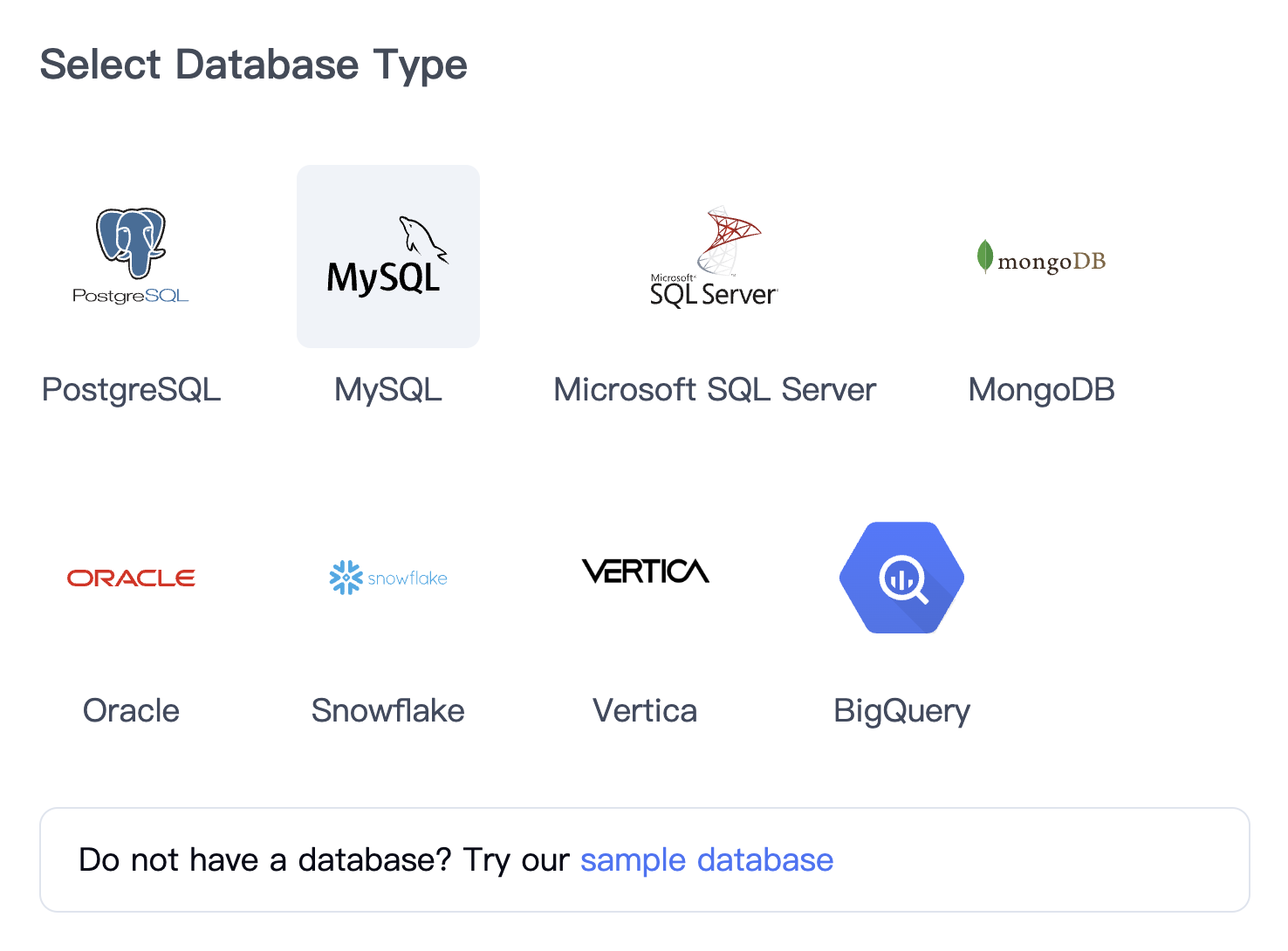
For internal analysis, download AskYourDatabase Desktop, sign in, choose PostgreSQL, and configure the connection. The following is the product's database-selection interface; it is not evidence that the example database has been connected.
2. Check where the connection originates
Desktop connects to PostgreSQL from your computer. A hosted Website Chatbot connects from its service infrastructure; its allowlist requirements are documented separately. A hostname such as localhost refers to the machine making the connection, so it does not point from a hosted service back to your laptop.
Check routing, firewall rules, database login access and the provider's TLS requirements from the actual connection origin. Do not solve a failed connection by opening PostgreSQL to the entire internet or disabling certificate checks. Encryption and server-certificate verification are distinct properties: confirm the behavior of the selected client and deployment with your administrator.
Review the security and data-flow documentation. Desktop query execution happens from your computer, while questions and relevant context or results can be processed by external AI services. Connecting to live PostgreSQL avoids a full warehouse copy; it does not by itself promise offline operation or that no data leaves your network.
3. Verify the role, schemas and business meaning
Have a technical reviewer confirm the connection identity and accessible objects. This read-only diagnostic identifies the current database and role:
SELECT current_database() AS database_name,
       current_user AS database_role,
       current_schema() AS default_schema;
A default schema is not a complete list of permissions. Check that the approved reporting tables or views are visible and that unrelated objects are inaccessible. When two schemas contain an orders table, use qualified names such as reporting.orders in approved examples. Quoted mixed-case identifiers also need their exact spelling.
Use training documentation and SQL examples to define ambiguous terms. For the example below, the required context is short and concrete:
Daily sales means paid order amounts in USD for tenant A, grouped by calendar date in America/Los_Angeles. Include dates with no matching orders. Amounts are gross order values; refunds are outside this example.
Specify the unit of each row and amount. An order table is not necessarily an order-item table, and summing an order amount after a one-to-many join can count it repeatedly. For the broader review process, see the natural-language database query guide.
4. Reconcile answers before charting or sharing
Ask one bounded question first: “Show paid USD sales for tenant A on March 8–10, 2026, by Los Angeles calendar day. Include zero-sales days.” Inspect the generated SQL and compare its rows with the reference below. Then ask follow-ups that change one condition at a time.
Only after the table reconciles should you request a chart. Check that its labels use the same reporting dates, units and filters. A convincing chart does not fix an incorrect source query. Compare the current plans once this representative workflow meets your needs.
A PostgreSQL SQL example: local days, DST and missing dates
A business day may not contain exactly 24 hours. In Los Angeles, March 8, 2026 spans 23 hours because of the daylight-saving transition. Also, a simple grouped query omits dates with no rows. The query below handles both cases explicitly with a calendar and named-zone boundaries.
Synthetic fixture: tenant A has USD paid orders of 100 and 40 on March 8 local time, none on March 9, and 80 on March 10. Extra rows test the start/end boundary, another tenant, an unpaid order and another currency. Run this self-contained SELECT in a test SQL session; it creates no tables and writes no data.
WITH params AS (
  SELECT DATE '2026-03-08' AS start_day,
         DATE '2026-03-11' AS end_day,
         'America/Los_Angeles'::text AS report_zone
), orders(id, tenant_id, created_at, status, currency, amount) AS (
  VALUES
    (1, 'A', TIMESTAMPTZ '2026-03-08 07:59:59+00', 'paid', 'USD', 999.00),
    (2, 'A', TIMESTAMPTZ '2026-03-08 08:00:00+00', 'paid', 'USD', 100.00),
    (3, 'A', TIMESTAMPTZ '2026-03-09 06:59:59+00', 'paid', 'USD', 40.00),
    (4, 'A', TIMESTAMPTZ '2026-03-10 07:00:00+00', 'paid', 'USD', 80.00),
    (5, 'A', TIMESTAMPTZ '2026-03-11 07:00:00+00', 'paid', 'USD', 200.00),
    (6, 'B', TIMESTAMPTZ '2026-03-09 12:00:00+00', 'paid', 'USD', 500.00),
    (7, 'A', TIMESTAMPTZ '2026-03-08 12:00:00+00', 'pending', 'USD', 60.00),
    (8, 'A', TIMESTAMPTZ '2026-03-08 12:00:00+00', 'paid', 'EUR', 70.00)
), calendar AS (
  SELECT p.start_day + g.offset_day AS day, p.report_zone
  FROM params p
  CROSS JOIN LATERAL generate_series(
    0, p.end_day - p.start_day - 1
  ) AS g(offset_day)
)
SELECT c.day::text AS sales_day,
       COUNT(o.id) AS paid_orders,
       COALESCE(SUM(o.amount), 0) AS sales_usd
FROM calendar c
LEFT JOIN orders o
  ON o.created_at >= (c.day::timestamp AT TIME ZONE c.report_zone)
 AND o.created_at < ((c.day + 1)::timestamp AT TIME ZONE c.report_zone)
 AND o.tenant_id = 'A'
 AND o.status = 'paid'
 AND o.currency = 'USD'
GROUP BY c.day
ORDER BY c.day;
Expected result:
| sales_day | paid_orders | sales_usd |
|---|---|---|
| 2026-03-08 | 2 | 140.00 |
| 2026-03-09 | 0 | 0 |
| 2026-03-10 | 1 | 80.00 |
The total is 220 USD from three orders. Order 1 belongs to March 7 in Los Angeles and is excluded. Order 5 lands exactly at the exclusive end and is excluded. The tenant B, pending and EUR rows are also excluded. Do not add amounts in different currencies without an explicit conversion rule.
The calendar uses integer offsets from a date. Each midnight is converted to a timestamp instant using the named reporting zone, so the UTC offset can change between days. See PostgreSQL's date/time functions and series-generation reference. The order filters remain in the LEFT JOIN condition to preserve empty calendar days; COUNT(o.id) counts matched orders rather than the calendar's placeholder row.
Validation scope: this example was executed in an isolated local PGlite PostgreSQL runtime with synthetic data. The expected three rows, the 23-hour first day, and identical results under UTC and Asia/Tokyo session time zones were checked. This validates the reference SQL, not AskYourDatabase's generated answers, production performance, permissions or a hosted provider's configuration.
Try these acceptance checks with your own approved test data:
| Follow-up or deliberate variation | Expected check |
|---|---|
| Ask for March 8 only | 140 USD and two orders |
| Ask for tenant B using an authorized test role | 500 USD on March 9; other two days remain zero |
| Switch the report zone to UTC | March 8 includes the 999 USD boundary row; the three-day total changes to 1,219 USD |
| Keep Los Angeles reporting but change the session time zone | The original 140 / 0 / 80 result stays the same |
| Request a chart of all three dates | March 9 is present with zero, not silently missing |
For a real schema, replace the orders fixture with a qualified reporting table or view and review the execution plan on representative data. The predicates compare the timestamp column with day boundaries, but index usefulness still depends on your real filters and data distribution. Do not describe AI-generated SQL as optimized simply because it runs.
For additional query-construction cases, try the PostgreSQL query generator examples: deterministic latest-row selection, conditional totals that preserve zero rows, and JSONB filtering. Keep connection and deployment checks in this setup guide; use those examples to review SQL behavior.
For questions such as “which customers have no paid orders?”, use the PostgreSQL missing-match query and NULL checks. Its synthetic example separates cancelled, out-of-period and absent orders before you apply the same rules to a connected chatbot.
Permissions and embedding: a SQL filter is not authorization
The example's tenant_id = 'A' is a reporting condition. A model could omit or change it. Enforce access independently through appropriately restricted database roles, reviewed views or PostgreSQL row-level security, and verify both allowed and denied cases with the actual connection role.
PostgreSQL row security has important bypass rules: superusers and roles with BYPASSRLS bypass policies, and table owners normally do too. A shared database role also does not automatically know which person is using your chatbot. Validate how authenticated application identity reaches any trusted tenant context; do not let a question or browser-supplied tenant identifier establish that authority.
If you are embedding this workflow, continue with the embedded chatbot implementation guide and session and embed documentation. Test a second tenant and a denied request before customer access. This article's fixture does not test tenant isolation in a deployed product.
Troubleshoot the PostgreSQL connection and answers
| Symptom | What to check next |
|---|---|
| Connection timeout | The actual connection origin, hostname, port, routing and firewall allowlist |
| Login or certificate error | Role credentials and the provider's required TLS and certificate settings; do not disable verification as a shortcut |
| Connected but expected tables are missing | Correct database, schema privileges, object permissions and selected tables |
| Relation does not exist | Schema-qualified names, search path and quoted identifier spelling |
| Correct-looking SQL but wrong total | Row grain, one-to-many joins, status, currency, time zone and inclusive/exclusive boundaries |
| A chart omits a day | Generate the reporting calendar and preserve it with an outer join |
| Different users see the same restricted rows | Actual database role, policy bypass and trusted per-user context; pause sharing until denied cases pass |
For another engine's setup and date syntax, see the MySQL chatbot guide. Reuse the business definition and acceptance cases, but do not copy PostgreSQL syntax into a different SQL dialect unchanged.
When the answer needs to become a report
For a work queue or a file another team will consume, use the PostgreSQL report generator guide. It separates conversational analysis, CSV delivery and formatted reports, with an overdue-order example and checks for row counts, identifiers and exported values.
Frequently asked questions
How do I connect an AI chatbot to PostgreSQL?
Use a supported PostgreSQL connection with a dedicated database role, verify network access from the machine or service making the connection, and check the available schemas. Add business definitions and approved SQL examples, then compare answers with known results before sharing access.
Do I need pgvector to chat with PostgreSQL tables?
No. Questions that aggregate structured rows can use SQL without a vector extension. Vector search serves a different task: retrieving semantically similar text or other embedded content. Some applications combine both approaches.
Does connecting PostgreSQL mean my data stays entirely local?
No. A direct database connection avoids copying the whole database into a separate warehouse, but an AI service may still receive schema, questions and relevant result data. AskYourDatabase Desktop runs database queries from your computer while using external AI processing; review the deployment data flow before connecting sensitive data.
Can PostgreSQL row-level security protect chatbot users?
It can restrict rows for the database role executing a query when configured and tested correctly. Superusers and roles with BYPASSRLS bypass row security, and table owners normally bypass it too. A shared database login does not automatically identify each chatbot user; validate the actual role and tenant context.
Why can a PostgreSQL chatbot return the wrong daily total?
The query may use the wrong time zone, date boundaries, status definition or join grain. Define the reporting zone, use an inclusive start and exclusive end, and test rows near midnight and daylight-saving changes. Include empty days explicitly when a chart requires them.
Can I use the same setup for an embedded chatbot?
An embedded chatbot also needs application authentication, server-side user context and independently enforced data access. A working Desktop connection is only an initial query test. Use the Website Chatbot and embedding documentation to design and validate the customer-facing workflow.