
Conversational analytics for SaaS
Embed an analytics chatbot in your SaaS product
Give signed-in customers a natural-language way to explore their own data without waiting for another dashboard filter or custom report. AskYourDatabase combines an embedded chat interface with authenticated sessions, database context, and tenant-aware access policies.
Start with a restricted test dataset. Validate access controls and known-answer questions before connecting a production workflow.
What is an embedded analytics chatbot?
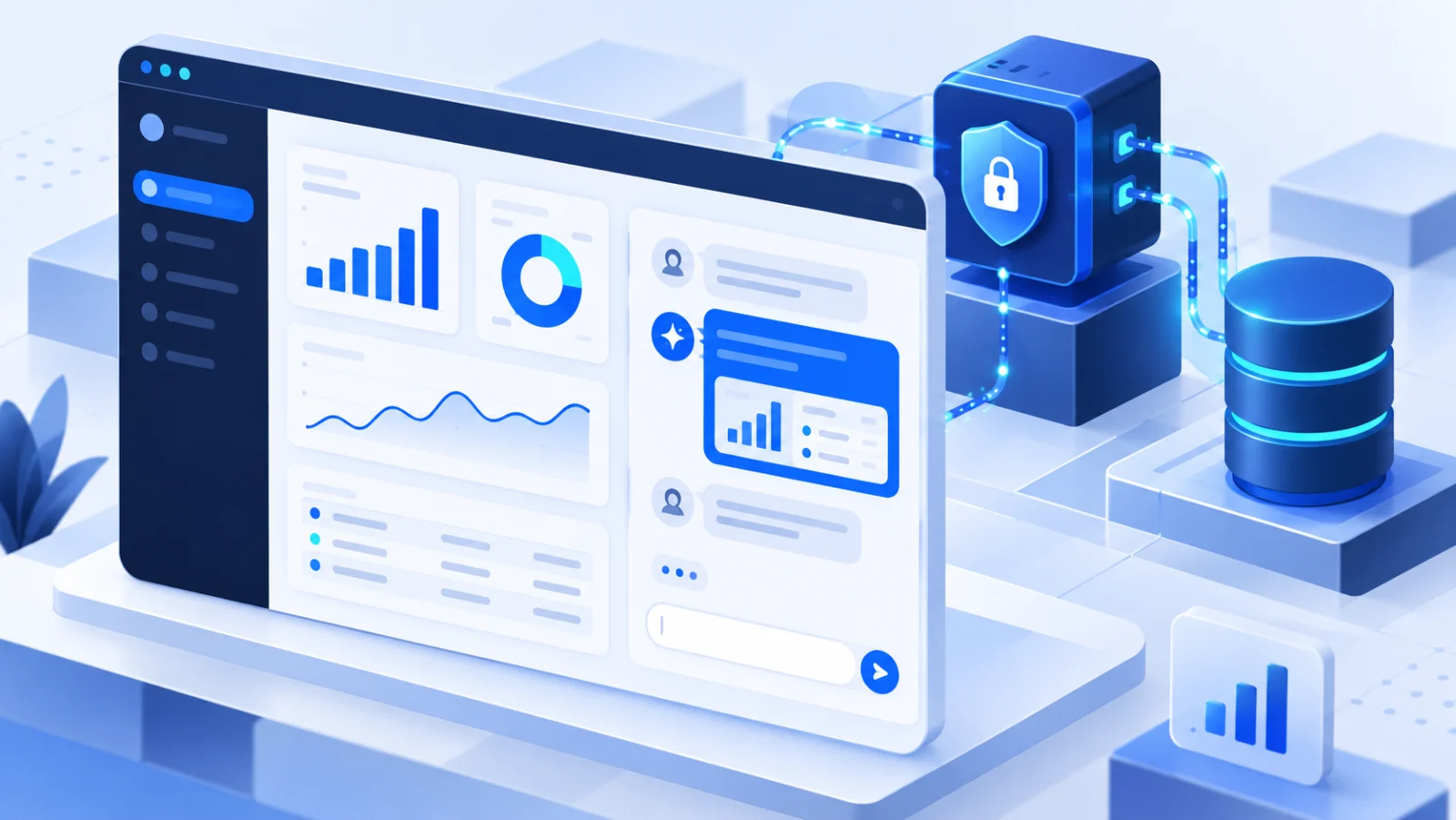
An embedded analytics chatbot is a conversational data interface inside an existing application. Instead of navigating a fixed set of charts, a customer asks a question such as “Why did completed orders fall last week?” and receives a database-backed answer within the product they already use.
This is not the same as a support bot. A support bot retrieves documentation; an analytics chatbot generates and executes database queries. That makes identity, permissions, business definitions, SQL review, and result validation part of the product design—not optional follow-up work.
Good fit for
- • B2B SaaS products with customer-specific operational data
- • Portals where users request frequent custom reports
- • Marketplaces with seller, order, and payout analytics
- • Internal products that need governed ad-hoc questions
A public website support widget with no database access has a different architecture and threat model.
How the authenticated embed flow works
Keep your application responsible for identity. Keep session secrets on the server. Pass trusted user context into the analytics layer, and apply access restrictions before returning database results.
- 1
Authenticate
Your SaaS verifies the signed-in customer.
- 2
Create session
Your backend requests a single-use chatbot session URL.
- 3
Load the embed
The browser loads the returned URL inside an iframe.
- 4
Enforce policy
Trusted context and row-level rules limit accessible records.
- 5
Validate answer
The user receives a result or chart that can be checked.
See the authenticated session example, including the backend API call and iframe flow. If each tenant uses a separate datastore, review the database-switching guide.
Build the full stack or embed a managed chatbot?
A prototype can call a language model and run generated SQL. A customer-facing feature also needs identity, tenant isolation, query controls, business context, UI state, monitoring, and a correction workflow. Compare the complete operating model, not only the first demo.
| Decision area | Build internally | Embed AskYourDatabase |
|---|---|---|
| Chat interface | Design conversation state, result tables, charts, and errors. | Use the hosted chatbot interface and customize its presentation. |
| Identity | Create your own session and authorization protocol. | Create a chatbot session from your authenticated backend. |
| Tenant isolation | Design, implement, test, and monitor every policy layer. | Configure row-level policies or tenant-specific databases, then test them. |
| Business context | Build storage and retrieval for definitions and SQL examples. | Add documentation and approved question-to-SQL examples. |
| Operations | Own model changes, retries, logging, security patches, and UI maintenance. | Own your data access and acceptance tests; the product supplies the chatbot workflow. |
“Managed” does not remove your responsibilities. Your team still owns source permissions, user identity, business definitions, validation, and the decision to expose a result to customers.
Test tenant isolation as a product requirement
Prompt instructions are not access control. Use database permissions, trusted session context, and row-level policies. Then try to break the boundary with realistic questions before launch.
Minimum test matrix
- • Tenant A asks directly for Tenant B's records.
- • Aggregates and charts remain tenant-scoped.
- • Joins do not bypass the policy on a related table.
- • Follow-up questions preserve the same identity boundary.
- • Hidden tables stay unavailable to both users and AI.
Implementation evidence
AskYourDatabase documents context variables, row-level SQL policies, mock-user testing, and hidden tables. Treat these as controls to configure and verify—not as automatic proof that a particular deployment is isolated.
A practical evaluation checklist
Accuracy and usefulness
- • Define five known-answer customer questions.
- • Inspect joins, dates, status filters, and missing values.
- • Add business definitions and approved SQL examples.
- • Test follow-ups that change one condition at a time.
- • Record wrong answers and the correction effort required.
Production readiness
- • Keep API keys and session creation on the backend.
- • Restrict the database role to required data and actions.
- • Test separate tenants, session expiry, and revoked access.
- • Decide what chat history and result data may be retained.
- • Monitor question volume, query cost, and failed answers.
For a complete implementation walkthrough, read how to build an embedded AI database chatbot for SaaS. For query-quality work, use the business-context training guide and answer-quality checklist.
Evaluate the workflow on your own schema
Create a chatbot, connect a restricted dataset, add one verified business definition, and run the tenant-isolation tests above. Review current question allowances, branding options, and deployment scope before selecting a plan.
Embedded analytics chatbot FAQ
What is an embedded analytics chatbot?
An embedded analytics chatbot is a conversational interface inside a website or SaaS product that lets an authenticated user ask questions about application data. The implementation must combine natural-language querying with application identity, database permissions, and tenant-aware access rules.
How is an analytics chatbot different from a support chatbot?
A support chatbot answers from documents or a knowledge base. An analytics chatbot converts a user's question into a database query, runs it against permitted data, and returns a result or visualization. The security and validation requirements are therefore different.
Can each customer see only their own data?
Yes, when the host application creates authenticated sessions with trusted customer context and the database chatbot applies tested row-level policies. Tenant isolation must be verified with separate test users, joins, aggregates, exports, and follow-up questions before production use.
Does the API key belong in frontend code?
No. Keep the API key on your server. Your backend should authenticate the signed-in user, create the chatbot session, and return only the generated session URL to the browser for embedding.
Do I need to build a semantic layer first?
Not necessarily, but the chatbot still needs accurate business context. Add definitions and approved question-to-SQL examples for metrics such as active users, net revenue, and churn, then validate answers against known reports.
Should I connect the chatbot directly to production data?
Start with a staging database, sample dataset, or restricted reporting views. Use a database role limited to the required tables and operations, test tenant isolation, and review generated queries before expanding access.