Chain Chatbot Queries to Database Queries and Back
Build a reliable chatbot-to-database loop: authorize lookups, return structured results, handle empty or failed queries, and test a runnable Python example.

To chain chatbot queries to database queries and back, let the model request a tool, let your server authorize and execute the lookup, then return a structured result to the same conversation before generating the answer. The return path must distinguish successful rows, no matches, denied access, failed execution and incomplete results. Generated SQL alone is not an answer.
This guide focuses on that execution-to-answer contract. For connecting a database, use the MySQL setup guide. For deciding whether to build a custom stack or embed a managed interface, use the embedded chatbot guide. Here, you can run a small offline example and check what the chatbot is allowed to say after each outcome.
AskYourDatabase publishes this guide. The invoice data and Python implementation are synthetic teaching material, not customer results or an AskYourDatabase API response. The example tests database lookup and answer handling without calling an AI model or a production service.
Keep five handoffs explicit
A working loop has five responsibilities. Combining them in one prompt makes failures harder to diagnose.
| Handoff | Required information | Decision owned by your application |
|---|---|---|
| Question to intent | Metric, account, time range and requested detail | Ask for clarification when business scope is missing |
| Intent to tool request | Tool name, validated arguments and a call identifier | Decide which operations are exposed |
| Tool request to database | Trusted user scope, permitted data and query parameters | Enforce authorization and execution limits |
| Database to tool result | Status, rows, units, completeness and matching call identifier | Preserve the difference between an answer and a failure |
| Tool result to response | The verified result and its qualifications | Present numbers faithfully and keep follow-ups in scope |
LangChain's SQL-agent guide describes schema discovery, query generation, execution and response synthesis. Its query-checking stage is useful but does not replace database permissions. Anthropic's tool-result documentation provides a concrete protocol example: return the result with the corresponding tool-use ID and signal execution errors explicitly. Other APIs have their own message formats; preserve their documented ordering instead of concatenating everything into prose.
In a custom implementation, keep the original tool request and its result together. If several requests run concurrently, match by identifier rather than completion order. Never give an old result to a newly generated request just because both asked about invoices.
Choose a bounded lookup or generated SQL
For a narrow customer task, expose a named operation such as list_open_invoices(account, limit). The server owns the SQL and binds the arguments. This is easier to review than giving the model arbitrary SQL access, but each supported operation needs implementation and maintenance.
For open-ended analysis, a text-to-SQL workflow can cover more questions. It also needs schema context, dialect handling, statement controls, execution limits and independent answer checks. A prompt saying “only SELECT” is not an access boundary. A row limit restricts returned data; it does not necessarily bound the work needed for joins, sorting or aggregation.
Neither route should accept a model-supplied tenant ID as authorization. Derive identity from your authenticated server session and enforce access before the query. A read-only database account still needs appropriate table, column and row restrictions. For customer-facing AskYourDatabase integrations, review the documented access-control workflow and test the actual deployment rather than assuming this teaching example establishes its security.
Run a local question-to-result example
The question is: “For my account A, how many open invoices are there, what is the total in USD, and which are the oldest?” The preview is capped at two rows. A successful answer must keep the full total separate from that preview.
Download the runnable Python example. It uses only Python's standard library and an in-memory SQLite database. Run it in a local scratch directory:
python3 result-contract.py
The script creates six fictional invoices, then enables a query-only connection for the lookup. The trusted sample user belongs to tenant north. The duplicated account name in another tenant deliberately tests scope.
| Invoice | Tenant / account | State | Amount in USD | Expected contribution |
|---|---|---|---|---|
| I1 | north / A | open | 100.00 | Included, first preview row |
| I2 | north / A | open | 25.00 | Included, second preview row |
| I3 | north / A | open | 50.00 | Included in full total, outside preview |
| I4 | north / A | paid | 900.00 | Excluded by status |
| I5 | south / A | open | 800.00 | Excluded by tenant |
| I6 | north / B | open | 700.00 | Excluded by account and authorization |
The full answer is 3 open invoices totaling USD 175.00. The two displayed invoices total only USD 125.00. Returning two rows and asking a model to “summarize the total” would leave a dangerous ambiguity unless you also supply the aggregate and its scope.
The fixed aggregate query in the download is:
SELECT COUNT(*) AS n, COALESCE(SUM(amount_cents), 0) AS cents
FROM invoices
WHERE tenant = ? AND account = ? AND status = 'open'
Parameters are bound separately. The preview query uses the same filters and orders by due_date, id before applying its limit. Both reads occur in one SQLite transaction. In a production database, explicitly select a suitable isolation level or another consistent-snapshot design; different engines do not give identical guarantees from the word “transaction” alone.
Amounts are integer cents in this example. That avoids binary floating-point rounding in its total. Real financial datasets may need other scales and currencies: define those rules first, and do not sum multiple currencies into an unlabeled number. Python's SQLite documentation explains bound placeholders; parameter binding protects values in these fixed statements, not arbitrary model-generated table names or SQL fragments.
Return a result contract, not a bare list
The example's response envelope includes these fields:
{
  "call_id": "call-1",
  "status": "ok",
  "scope": { "account": "A", "status": "open", "currency": "USD" },
  "matched_rows": 3,
  "returned_rows": 2,
  "total_cents": 17500,
  "complete": false
}
The downloadable implementation also includes the two preview rows. This is a proposed application contract, not the payload schema of a model provider or AskYourDatabase. Adapt it at the tool boundary and record which fields are trusted server output.
The deterministic renderer prints:
3 open invoices total USD 175.00. Showing 2 rows; complete=False.
In a chat interface, that can read: “Your account has 3 open invoices totaling USD 175.00. Here are the 2 oldest; the list is incomplete.” The amount comes from the full aggregate, not a model's arithmetic on the preview. A formatter should reject a mismatched call_id before displaying anything.
Keep matched_rows optional when you did not calculate it. Do not invent a full count from a limited result. If the system only knows that another row exists, report that the preview is incomplete and offer an authorized next step. For large results, use a protected result view or export with the same access rules; a hard-to-guess URL alone is not sufficient authorization.
Handle empty, denied and failed results differently
| Observed state | Appropriate answer | What must not happen |
|---|---|---|
| Successful lookup with rows | Explain verified totals, scope and preview limits | Treat a partial list as the whole dataset |
| Successful lookup with no matches | Say no records matched the authorized filters | Claim the entire organization has no invoices |
| Permission denied | Explain that this request cannot be answered under current access | Retry with broader credentials or reveal protected counts |
| Query or connection error | Say a verified answer is unavailable | Turn an exception into a zero total |
| Timeout or interrupted stream | Show incomplete/failed state until execution is resolved | Label partial streamed prose as a completed result |
| Result for another call | Reject it and repair request/result correlation | Attach a stale answer to the current question |
A retry policy should have a finite budget. Re-executing a permitted read after a transient connection failure may be appropriate; changing a denied query to evade the policy is not. If a driver times out, verify whether the database query was cancelled or continues running before launching another expensive attempt. A client timeout is not proof of server cancellation.
The local script verifies 15 contract checks: aggregate and row selection, preview completeness and subtotal, rendered output, full-preview behavior, empty state and wording, denied account, parameter binding, invalid limit, mismatched call ID, injected timeout presentation, database-error handling and blocked writes on the sample connection. The timeout is injected, not a timed database cancellation experiment. These checks do not evaluate model quality, production authentication, arbitrary SQL safety or real cross-tenant isolation in AskYourDatabase.
Preserve scope across follow-up questions
“And the next two?” should continue the same authorized account, status, ordering and data-snapshot policy. A production paginator needs a stable cursor or documented refresh behavior; the example does not implement pagination. “Include paid ones” changes the metric and needs a new query and a new call identifier. “Show another customer's invoices” needs a new authorization decision, regardless of what conversation history says.
Treat returned database text as data. A note containing “ignore your instructions” does not get permission to select a new tool or broaden access. Keep trusted policy separate from retrieved values, and enforce it in code. For broader metric checks, use the text-to-SQL evaluation guide; for retaining execution evidence, use the separate AI analytics audit-log guide. Those jobs complement this runtime return contract.
Apply the workflow in AskYourDatabase
AskYourDatabase provides connected database conversation, including follow-up analysis and SQL results. You can evaluate the user workflow before building your own interface:
- Start with Desktop and a sample or approved reporting database; check the connection instructions.
- Add schema comments, business definitions and known questions through training.
- Ask one known-answer question, inspect its SQL and result, then test empty and incomplete cases.
- For a custom interface, review API authentication, New Chat and the Ask API. Keep credentials on the backend and map your application identity to the intended chat and data scope.
- Validate the rendered answer and follow-ups before selecting a plan or expanding access.
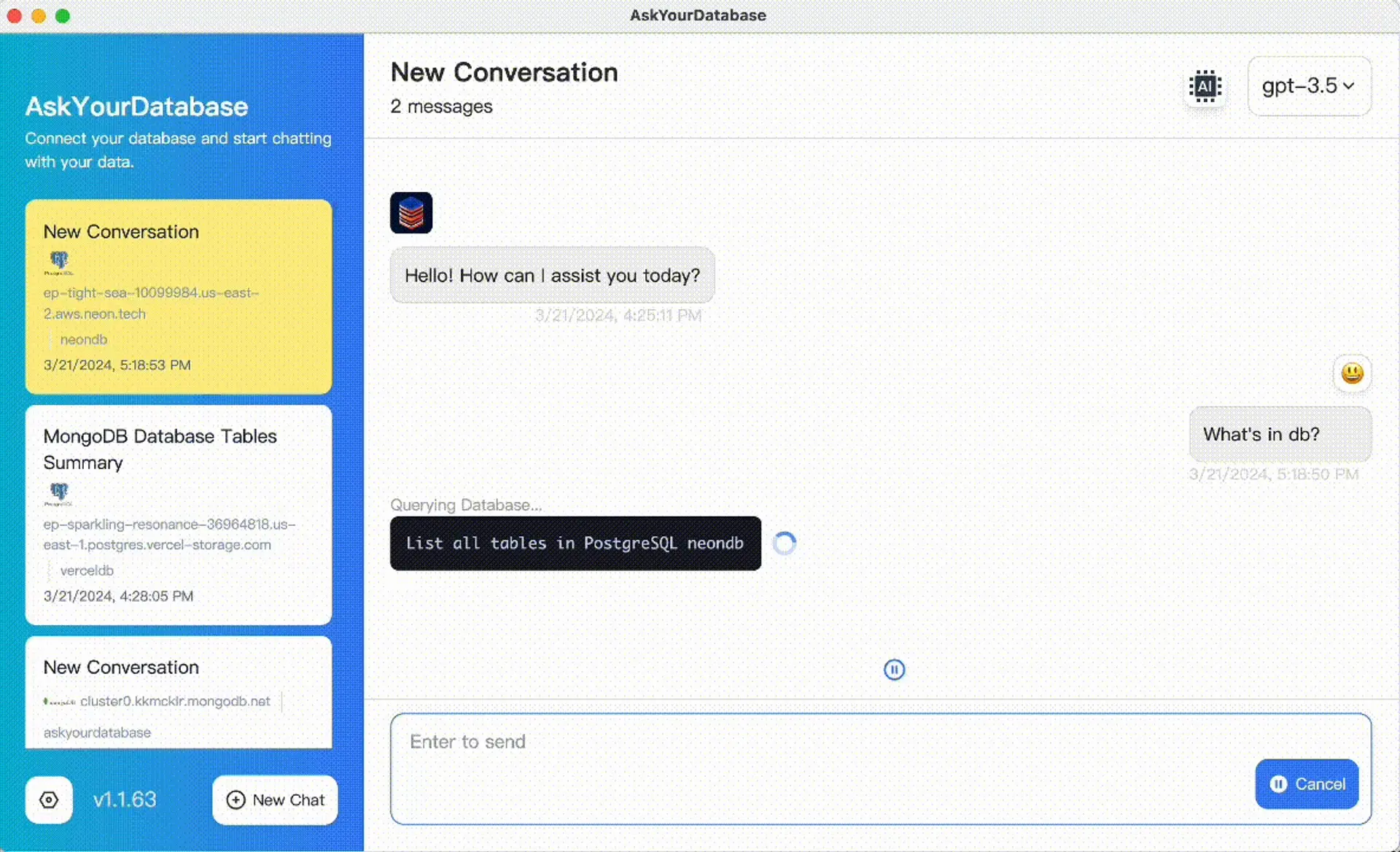
Product interface screenshot; it does not show the fictional invoice test or demonstrate that the product passed its checks.
The documented Ask API streams text and execution events; debug mode can expose SQL and results. Treat SQL/result debugging as privileged information, especially when errors or literals contain sensitive details. Your integration must parse complete SSE events across network chunks and handle interruption. The custom envelope above is not a guaranteed field set in that API, and an execution-status event alone is not proof of answer completeness. Inspect actual responses in an approved test environment.
Desktop's local database connection does not mean offline AI. Review security and processing boundaries and private deployment when model location or network egress matters. This guide makes no claim of automatic provider-independent tool replay, universal retry safety or an immutable audit trail.
Frequently asked questions
How do I chain chatbot queries to database queries and back?
Send a validated tool request from the conversation to your server, authorize and execute the database lookup, then return its structured result under the matching call identifier. Generate the answer only after checking status, scope and completeness.
Do I need an AI model to write every database query?
No. A narrow workflow can use fixed, parameterized queries behind named tools. Open-ended text-to-SQL offers more flexibility but requires additional schema, execution and answer-validation controls.
How should a chatbot handle an empty database result?
Report that no records matched the authorized filters. Distinguish a successful empty lookup from permission denial, a timeout or a database error; those failures do not establish a zero total.
Why can the chatbot total disagree with the displayed rows?
A preview may contain only part of the matching data. Calculate a full aggregate separately under the same scope and consistent snapshot, label the preview as incomplete, and never present its subtotal as the full total.
Does this Python example prove that an AI database chatbot is secure or accurate?
No. It checks a synthetic fixed-query workflow and deterministic presentation in local SQLite. It does not call a model, test production authentication or establish the security or accuracy of AskYourDatabase or another product.
Can I use AskYourDatabase with my own chat interface?
AskYourDatabase documents authentication, new chat sessions and an Ask API with streaming responses. Review the current API and plan, keep credentials on the backend, and validate identity, permissions and stream handling in your integration. The example envelope in this guide is not its API schema.