AI Analytics Tools That Show Their SQL: A Review Guide
Compare how AI analytics tools expose SQL, execution results and calculations. Use a runnable example and review card to check an answer before relying on it.

AskYourDatabase, Metabase Metabot and Snowflake Cortex Analyst offer documented ways to inspect generated SQL. The useful comparison is what a reviewer can actually see: the draft query, the query that ran, its results and any calculation that produced the final answer. A visible SQL block alone does not establish that the answer is correct.
This guide helps an analyst or buyer evaluate answer transparency in the interface their team will use. It includes a blank answer review card and a runnable rate example. For retained records across users and requests, use the separate AI analytics audit-log guide. For measuring a tool across many questions, use the text-to-SQL accuracy test kit.
AskYourDatabase publishes this guide. Product statements were checked against its code and documentation and the linked vendors' official documentation on November 13, 2026. The numerical example is synthetic, authored reference material executed locally; it is not a live product comparison or an AI accuracy benchmark.
Compare the review surface, not a transparency label
Start by choosing the surface: an analyst's desktop, a BI query editor, an embedded customer chat or an API-powered application. Visibility in an administrator's test panel does not establish that an ordinary user sees the same evidence.
| Tool and documented surface | What you can inspect | What to verify in your evaluation |
|---|---|---|
| AskYourDatabase generated-query inspection | The product documentation shows inspecting generated SQL and giving feedback. Website Chatbot diagnostics can include code and tool results | Check the chosen product and role. Match the relevant query and result to the answer; diagnostics and ordinary end-user chat are separate paths |
| Metabase Metabot in the SQL editor | Metabot drafts SQL for inspection before the user runs it. The query builder also offers a native-query view | Confirm whether the workflow uses editor SQL or query-builder output, and what the intended user can open and run |
| Snowflake Cortex Analyst API | SQL content includes a statement; responses can also identify a verified query used during generation | Your application must expose the appropriate evidence to reviewers. Check the execution and result path separately; an API field is not a promise about every UI |
AskYourDatabase's query troubleshooting documentation illustrates SQL inspection. Its API reference explains diagnostic events and their limits. isSQL diagnostics can also represent Python or other tools, so inspect the tool and payload rather than classifying every event as a database statement.
Metabase's Metabot documentation describes SQL generation in the native editor without automatically running that draft. Its query-builder documentation explains the View SQL or View query control. These are useful review points; neither guarantees the business meaning of a generated query.
Snowflake's Cortex Analyst API reference documents the SQL response and optional verified-query information. It also recommends transitioning to Cortex Agents. If evaluating Agents or another Snowflake interface, check that interface's actual output and controls instead of assuming the Analyst response shape applies unchanged.
This is a shortlist of documented review routes, not an exhaustive ranking. Choose based on your existing data stack, reviewer access and the decision the answer supports. A new platform is not necessary if an existing tool already provides a reviewable workflow.
Ask for four connected pieces of evidence
A useful answer review connects the business request to the final number. Request these pieces together, using synthetic or otherwise approved data:
- Question and interpretation. Record the period, population, unit, exclusions and metric definition. For a follow-up, record what changed and what should remain fixed.
- Query and execution. Identify the statement, bound parameters where applicable, datasource, execution status and effective scope. A copied draft is insufficient when the tool corrected or replaced it before execution.
- Result. Inspect returned columns and values, error state, and whether the displayed rows are complete or limited. Three grouped result rows can represent thousands of business events.
- Calculation and presentation. Check arithmetic after SQL, chart aggregation, labels and rounding. If Python or another tool transforms the result, review that step too.
Not every interface supplies every item. Use the review card to record a missing field as unknown, then decide whether the gap matters for the proposed workflow. Do not reinterpret an unavailable execution record as a successful run.
An explanation can help a reviewer understand code, but another generated explanation is not independent validation. A source link can identify a table or document without proving a calculation used the correct denominator. Likewise, displayed model reasoning is not a substitute for the actual query and returned values.
A correct SQL result can still produce a wrong answer
Suppose a quality team asks: “Across all completed test attempts in this fixture, what percentage passed?” There is one row per team batch. The fixture contains no dates or tenant controls; the scope is exactly these four invented rows.
| Team | Passed | Attempted | Status |
|---|---|---|---|
| A | 9 | 10 | complete |
| B | 10 | 100 | complete |
| C | 0 | 0 | complete |
| D | 100 | 100 | cancelled |
Team D is excluded. Team C has no attempts, so its rate is undefined, not a measured 0% success rate. This self-contained SQLite reference returns the complete teams and their rates:
WITH test_batches(team, passed, attempted, status) AS (
  VALUES ('A', 9, 10, 'complete'),
         ('B', 10, 100, 'complete'),
         ('C', 0, 0, 'complete'),
         ('D', 100, 100, 'cancelled')
)
SELECT team, SUM(passed) AS passed, SUM(attempted) AS attempted,
       100.0 * SUM(passed) / NULLIF(SUM(attempted), 0) AS pass_rate_pct
FROM test_batches
WHERE status = 'complete'
GROUP BY team
ORDER BY team;
The result is A: 9/10, 90%; B: 10/100, 10%; C: 0/0, NULL. These rows are correct for the per-team query. But answering the original question with (90 + 10) / 2 = 50% would give each team equal weight. The requested rate across attempts is 19/110 × 100 = 17.27%.
Both calculations can be meaningful, but they answer different questions. The review must connect the requested unit—attempts—to the final denominator. Looking only for SQL syntax errors would miss this mistake. A chart averaging the two non-null percentages could repeat it even when the text answer is correct.
Run the downloadable Python reference with python3 rate-example.py. It uses only the standard library and in-memory SQLite. Nine assertions check the returned teams, counts, undefined rate, pooled rate, equal-team mean and an independently aggregated SQL total. It makes no network calls, writes no data files and does not ask an AI to generate the query. Adapt syntax and definitions before trying another database.
For a vendor demonstration, provide the fixture and question, then record the actual output. Do not mark the vendor as passing because this local reference passed. Ask a follow-up such as “Now show only Team A” and confirm that the population changes to 10 attempts and the answer to 90%. Test the same review path used by your intended users.
Review an answer in AskYourDatabase
Start with Desktop setup for individual analysis or the Website Chatbot guide for an application workflow. Connect an approved reporting datasource using limited database privileges. Add the agreed metric definition and reviewed examples through the training controls; context improves what the assistant can work with but does not guarantee correctness.
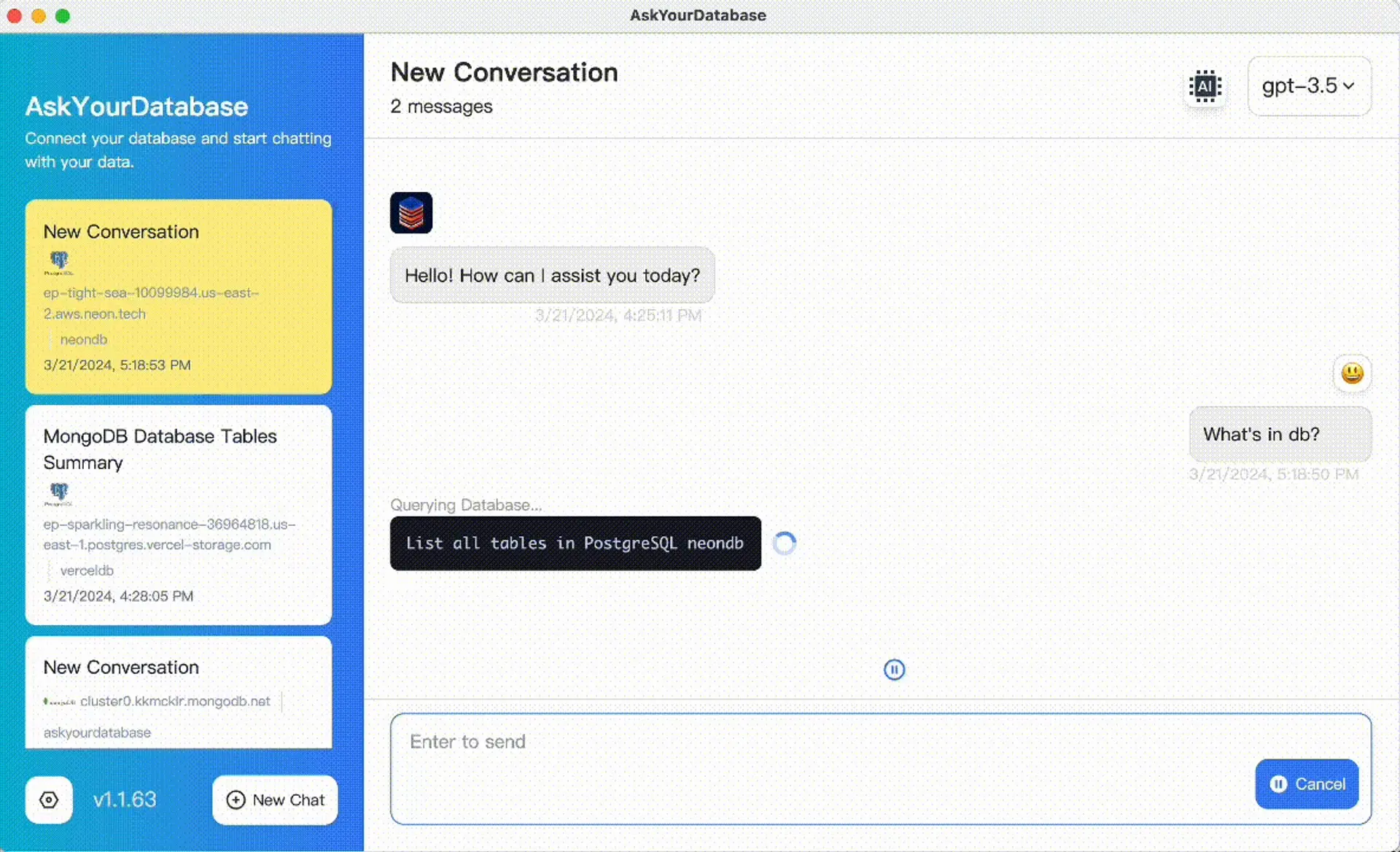
AskYourDatabase product interface. This screenshot illustrates the conversation workflow; it is not a run of the test-rate fixture.
Ask the question, inspect the generated query using the documented review path, and compare the returned values with your reference. For the rate example, the reviewer should be able to locate the completed-status restriction, passed and attempted counts, and the calculation behind 17.27%. If the answer only provides a percentage, request the counts and scope needed to check it.
The Website Chatbot interface labels SQL as visible in the debug panel, not in ordinary end-user messages. Website Chatbot and API debug output needs additional care: it can expose code and result data, and debug evaluation can use configured mock context. Restrict diagnostics to authorized reviewers and validate the real production user/session path separately. Do not enable debug for all customers just to add a “show SQL” feature. The conversational analytics API guide covers output handling; security documentation covers processing boundaries.
If a discrepancy appears, identify its layer before changing context. A missing exclusion needs a definition or query correction. A 50% summary over correct grouped rows needs a calculation correction. An execution error needs diagnosis, not a numeric answer of zero. Re-run the relevant checks after a correction and retain the unresolved question for a capable reviewer.
Make a small, reviewable buying decision
Bring the blank review card to a trial. Use one ordinary question, one denominator-sensitive question and one follow-up on approved data. Have a business owner check meaning and an analyst check unfamiliar SQL. The aim is to establish whether your team can investigate an answer, not to award a universal transparency score.
Agree the acceptance conditions before the demo: reviewers can locate the query and relevant result, explain the final calculation, distinguish errors from empty results, and identify unavailable evidence. For decisions that require review before execution, demonstrate that specific control; a query visible afterward does not establish an approval gate.
Compare AskYourDatabase plans after choosing the audience and deployment. A team trial can start with an approved dataset and the review card. For retained audit evidence, tenant isolation or private deployment requirements, review the relevant documentation and discuss the required configuration before expanding access. SQL visibility is one selection criterion; it does not by itself establish authorization, retention guarantees or accurate answers.
Frequently asked questions
Which AI analytics tools show the SQL behind their answers?
AskYourDatabase documents generated-SQL inspection, Metabase Metabot can draft SQL in its editor, and Snowflake Cortex Analyst returns SQL in its API response. These are different interfaces: confirm who can see the query, whether it ran, and how its results connect to the displayed answer.
Does seeing SQL prove an AI answer is correct?
No. A valid query can use the wrong definition or scope, and a correct result can be summarized incorrectly. Review the question, executed query, parameters, returned rows and any subsequent calculation together.
Is a SQL explanation the same as execution evidence?
No. An explanation describes intended logic. Execution evidence establishes which statement ran, under which scope, and whether it succeeded. Ask for a result or engine record tied to that statement instead of relying on a second generated explanation.
Can non-technical users review an AI analytics answer?
They can check the business definition, reporting period, units, filters, denominator and known totals. A SQL-capable reviewer should check unfamiliar joins and query logic. Assign each check to someone who can verify it rather than treating visible code as self-explanatory.
Should every chatbot user receive SQL debug output?
No. SQL and diagnostic results can reveal sensitive schema or data. Verify the product interface, user permissions and deployment policy. AskYourDatabase debug evaluation can use mock context, so validate the real user identity path separately and restrict diagnostics to authorized reviewers.
What does the downloadable rate example test?
It executes authored SQL against synthetic rows in local SQLite and checks two different rate calculations. It makes no network calls and does not test an AI model, a vendor interface, database permissions or production accuracy.