
BigQuery AI Chatbot: Setup, Costs and Query Validation
Connect an AI chatbot to BigQuery, check IAM and query costs, and validate nested-data answers with a worked revenue example before sharing access with your team.
A BigQuery AI chatbot translates a business question into GoogleSQL, runs a query with an authorized identity, and explains the result. A useful setup needs more than credentials: choose the datasets it can read, establish query-cost limits, document your metrics, and test the generated answers before sharing access.
This guide covers an internal analytics workflow with AskYourDatabase, how to compare it with Google's own conversational tools, and a worked example of a common BigQuery error: multiplying revenue when flattening nested data. The sample is synthetic and is not a customer result or a product accuracy benchmark.
Choose the workflow before choosing the chatbot
| Your task | Starting point | What to verify |
|---|---|---|
| Ask business questions within your existing Google Cloud environment | BigQuery conversational analytics and data agents | Available features, required APIs, IAM roles and approved knowledge sources |
| Query BigQuery and other supported databases through a conversational application | AskYourDatabase Desktop | Connection identity, visible schema, business context, AI data flow and query results |
| Generate SQL that an analyst will review separately | A SQL query generator | GoogleSQL dialect, correct object names and the execution environment |
| Give customers analytics inside your product | An embedded database chatbot | Authentication, user-to-data mapping, independent access controls and operational limits |
| Build a custom application with specific orchestration or interfaces | A developer-managed BigQuery integration | Engineering ownership of credentials, execution policy, testing and monitoring |
Google's current data-agent documentation describes natural language conversations using selected knowledge sources and instructions. It is therefore inaccurate to assume that the native BigQuery experience only provides a SQL editor. Start there if the Google Cloud workflow fits your users; evaluate AskYourDatabase when its conversational interface and other supported connectors fit your work.
A successful internal demonstration does not establish that an embedded deployment isolates customers. The embedded chatbot implementation guide covers that separate design problem. For broader product selection, use the database assistant alternatives guide.
Connect BigQuery to AskYourDatabase
1. Choose a limited reporting scope
Start with an approved test dataset or reporting tables that contain only the fields needed for the evaluation. Ask the data owner to identify the execution project, source datasets, dataset location and credential identity. These can represent different concerns; do not assume a project mentioned in a credential file owns all the tables you want to query.
The administrator should distinguish permission to create jobs in the execution project from permission to read data and metadata. BigQuery Job User and BigQuery Data Viewer are common starting roles to review, with scope chosen for the intended project and datasets; they are not a universal permission recipe. Do not grant Owner merely to make a connection error disappear. Google's IAM reference defines the permissions in each role.
Test with the exact identity the chatbot will use. Your own browser session may have broader access, so a query that works in your console can still fail for the application's connection. Discovery also needs access to metadata: a table being absent from the selection list does not prove it contains no data.
2. Enter the documented connection fields
Open AskYourDatabase Desktop, add a database connection and select BigQuery. The documented connection uses Project ID and Credentials JSON. Follow the BigQuery connection instructions, including Google's instructions for obtaining the appropriate credentials. Do not paste credential contents into a chat prompt, support screenshot or shared article.
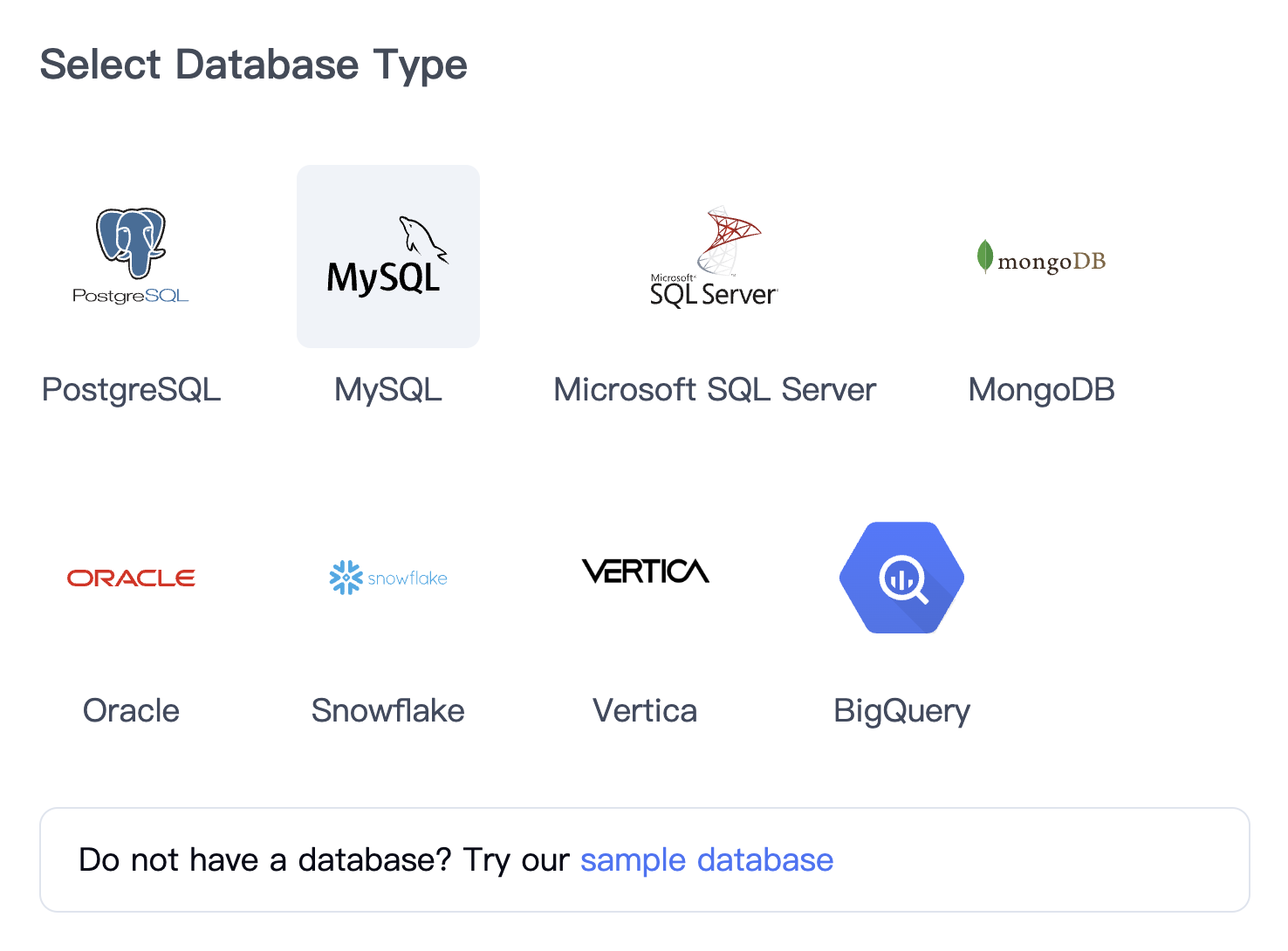
This is an AskYourDatabase connector-selection screenshot, not evidence of a completed connection to your project. Confirm that the expected datasets and tables appear in your installed version, then try a small known-answer query. If you need cross-project sources or a particular dataset location, verify that exact configuration before promising it to your team.
3. Add business context before asking broad questions
Use schema comments and training examples to explain facts that column names cannot convey. For a revenue workflow, document:
- Whether revenue means booked orders, paid invoices or recognized revenue.
- Which timestamps and reporting timezone determine the period.
- Whether money is represented as integer cents or decimal currency amounts.
- Which records are test transactions, cancelled orders or refunds.
- Whether an array contains order items, status history, payments or another repeated entity.
- Which table or view is the authoritative reporting source.
Start with a specific request: “For paid USD orders dated September 1 through September 30, calculate item sales minus refunds by account. Keep orders with empty item arrays and show the SQL.” A vague request such as “What is revenue?” leaves several incompatible interpretations open.
4. Reconcile answers before adding visualizations
Compare the generated SQL and result with a query approved by your data owner. Ask follow-up questions that change one condition at a time: another month, a different account, or a breakdown by status. A chart can make an incorrect aggregate look persuasive, so reconcile the numbers before asking for a visual summary.
For each test, keep the question, approved interpretation, SQL, expected rows, actual rows and any error. After correcting a definition in training, rerun an earlier question as well as the failing one. This catches improvements that accidentally break another metric. For a reusable multi-case scorecard, use the text-to-SQL acceptance kit; its executable reference uses SQLite and must be adapted and checked before use in BigQuery. Our natural language query guide explains the general evaluation process.
Control BigQuery query costs outside the prompt
For on-demand queries, review a dry-run estimate before executing unfamiliar SQL. Selecting only required columns and filtering the partition column can reduce scanned data. A small result is not necessarily a small scan: on non-clustered tables, LIMIT does not reduce bytes read.
BigQuery supports a maximum-bytes-billed setting for individual queries and custom daily query quotas. Those controls must apply to the jobs the chatbot actually submits; a setting saved for a separate console query does not automatically transfer. See Google's cost-control documentation and partition-filter guidance.
Do not treat “keep this query cheap” in a training instruction as an enforced budget. The AskYourDatabase connection fields described here do not establish a per-query spending cap. Have the administrator verify the controls on your execution path, including repeated follow-up queries and retries. BigQuery usage and the assistant's subscription are separate cost considerations; compare current AskYourDatabase plans for the application component.
Worked example: avoid multiplying nested order values
Suppose an order contains an items array and a refunds array. Flattening both at once creates every item/refund combination for that order. Two items and two refunds become four rows. Summing money after that expansion can count each amount twice; inner flattening can also drop an order with an empty array.
The following self-contained GoogleSQL example aggregates each array within its parent order before grouping by account. It contains invented USD amounts in integer cents. The reporting date is a calendar date, so this fixture deliberately does not model timezone conversion, taxes or multi-currency accounting.
WITH orders AS (
  SELECT 'A' AS account_id, 1 AS order_id,
    DATE '2026-09-02' AS order_date, 'paid' AS status,
    [10000, 5000] AS items, [1000, 500] AS refunds
  UNION ALL
  SELECT 'A', 2, DATE '2026-09-03', 'paid',
    [8000], ARRAY<INT64>[]
  UNION ALL
  SELECT 'A', 3, DATE '2026-09-04', 'cancelled',
    [90000], ARRAY<INT64>[]
  UNION ALL
  SELECT 'B', 4, DATE '2026-09-05', 'paid',
    [20000], [2000]
  UNION ALL
  SELECT 'A', 5, DATE '2026-10-01', 'paid',
    [70000], ARRAY<INT64>[]
  UNION ALL
  SELECT 'C', 6, DATE '2026-09-06', 'paid',
    ARRAY<INT64>[], ARRAY<INT64>[]
), per_order AS (
  SELECT account_id, order_id,
    COALESCE((SELECT SUM(x) FROM UNNEST(items) AS x), 0)
      AS gross_cents,
    COALESCE((SELECT SUM(x) FROM UNNEST(refunds) AS x), 0)
      AS refund_cents
  FROM orders
  WHERE status = 'paid'
    AND order_date >= DATE '2026-09-01'
    AND order_date < DATE '2026-10-01'
)
SELECT account_id, COUNT(*) AS paid_orders,
  SUM(gross_cents) AS gross_cents,
  SUM(refund_cents) AS refund_cents,
  SUM(gross_cents - refund_cents) AS net_cents
FROM per_order
GROUP BY account_id
ORDER BY account_id;
| Account | Paid orders | Gross cents | Refund cents | Net cents |
|---|---|---|---|---|
| A | 2 | 23000 | 1500 | 21500 |
| B | 1 | 20000 | 2000 | 18000 |
| C | 1 | 0 | 0 | 0 |
The expected total is 39500 cents, or 395 USD. For order 1 alone, the intended net is 13500 cents. Flattening its two arrays together would produce 27000 cents if both sums are calculated over the resulting four rows. The October order and cancelled order must be excluded, while account C must remain with one paid order and a zero amount.
These expected values were independently checked with local arithmetic. This guide does not claim an executed BigQuery test or an AskYourDatabase accuracy score. Run the statement in an approved test environment to check GoogleSQL execution and then use the same interpretation to evaluate the assistant. Google's array documentation explains UNNEST and how flattening changes rows.
When adapting this pattern, verify that the outer table really has one row per order. If an upstream export repeats the order for every status event, separately aggregating arrays will not remove that parent-row duplication. Likewise, refunds recorded after the reporting cutoff require an explicit as-of policy; this simple fixture assumes the arrays already contain the intended adjustments.
Check identity, data flow and failures
A connection that can read one table is only a starting point. Use these checks before sharing the workflow:
| Check | Test | What a failure means |
|---|---|---|
| Dataset discovery | Compare visible objects with the approved reporting scope | Metadata permissions or discovery behavior need investigation |
| Query execution | Run an approved small query with the connection identity | Job permissions and data permissions must both be examined |
| Location and object names | Confirm project, dataset, table and query location | “Not found” can indicate a configuration mismatch, not a deleted table |
| Row and column restrictions | Try both permitted and forbidden data requests | Access must be enforced independently of assistant instructions |
| Nested-data totals | Use multiple items, refunds and empty arrays | Check row grain before trusting aggregates |
| Cost controls | Verify the limits on actual submitted jobs | Console settings or prompts may not cover the application path |
| Data freshness | Compare source refresh time with the answer's period | The answer may be accurate for stale source data |
BigQuery policies act on the identity running the job. A shared credential does not automatically represent each person using a chatbot. If you need different users to see different rows, validate the application context and the warehouse enforcement together; do not rely on a request such as “only show my account.”
A direct connection also does not mean all processing stays inside Google Cloud. Schema, prompts and relevant results can cross the AI-processing boundary. Review AskYourDatabase's security and data-flow guide; use the private-deployment evaluation guide if application hosting or model location is a requirement. Confirm the exact deployment before connecting sensitive data.
Evaluate one reporting workflow first
Choose one recurring business question with an independently known answer. Connect a limited dataset, add its metric definitions, run the boundary tests above, and then ask for a visualization. Record unresolved permissions, cost or accuracy issues before expanding to more tables or more users.
Download AskYourDatabase to evaluate the Desktop workflow, review plans for team requirements, or discuss an Enterprise deployment when your evaluation depends on hosting and access boundaries. This sequence gives you a concrete result to assess before committing to broader deployment.
Frequently asked questions
How do I connect AskYourDatabase to BigQuery?
Choose BigQuery in the connection interface and provide a Project ID and Credentials JSON for an approved identity. Verify dataset discovery and query permissions with that same identity, then add business definitions and validate a small set of known answers.
Does a BigQuery chatbot need permission to create jobs?
Running a query requires permission to create query jobs in the execution project as well as access to the referenced data. Reading table metadata alone is not enough. Ask an administrator to select narrowly scoped roles for the datasets and project involved.
Does LIMIT make a BigQuery AI query inexpensive?
Not necessarily. On non-clustered tables, LIMIT does not reduce the bytes read. Check selected columns, partition filters and a dry-run estimate. Apply cost controls in the actual execution path; a setting on a separate console query does not automatically govern chatbot jobs.
Does BigQuery row-level security identify each chatbot user?
Policies are evaluated for the identity executing the query. If several chatbot users share one credential, BigQuery does not automatically receive a distinct identity for each user. Test the actual execution identity and enforce the required data boundaries independently of the prompt.
Why can an AI query over nested BigQuery data overcount revenue?
Flattening multiple repeated fields together can multiply rows. Aggregate each repeated field at the intended parent-row grain before combining the results. Test orders with multiple items, multiple refunds and empty arrays against known totals.
Does a direct BigQuery connection keep all data inside Google Cloud?
A direct connection avoids a separate bulk import, but the assistant may still send schema, questions and relevant results to its AI processing services. Review the selected product and deployment data flow before connecting sensitive data.